
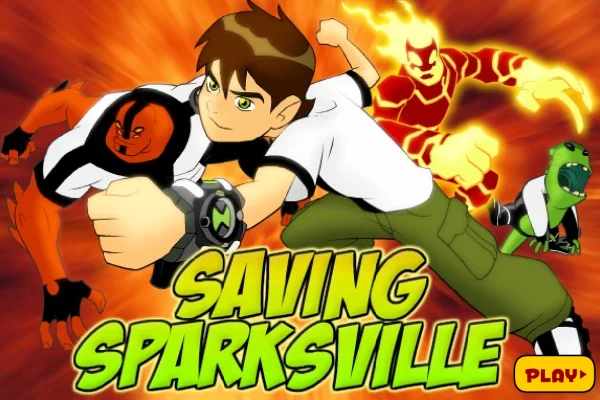
About Ben 10: Saving Sparksville
Ben 10: Saving Sparksville is a Flash action game based on the original Ben 10 series and its Tourist Trap episode. Megawatt has taken control of a planetarium exhibit, turning it into a giant robot headed for a hydroelectric dam. Ben must stop the machine as Heatblast, then deal with the Megawatts threatening to set Sparksville on fire.
Planetarium Bot: Stop Megawatt
The first stage puts you in control of Heatblast, flying on a fiery board alongside Megawatt's giant mechanical creation. Your objective is to destroy the robot before it reaches the dam and gains more power.
Move the mouse to guide Heatblast through the air, aim at the robot, and dodge incoming obstacles. Click to launch fireballs at the highlighted red weak points on its body. The machine can throw cars toward you, so you must keep moving while looking for opportunities to attack.
The top of the screen displays your score, remaining time, and health indicators for Megawatt and Heatblast. Watch the countdown and protect Heatblast's health while targeting the robot's vulnerable areas.
Flames Ville: Save Sparksville
Defeating the Planetarium Bot does not end the threat. The Megawatts split apart and return to Sparksville, where they begin setting fires across the town.
In this stage, you use Four Arms and Upchuck to capture the smaller Megawatts and control the damage they cause. Four Arms can aim and throw, while Upchuck provides another way to deal with the captured enemies.
Switch between the two aliens with Spacebar. You must capture the required Megawatts while keeping the town from suffering too much damage. Later levels increase the number of enemies you need to catch.
Health, Time, and Objectives
Both stages require you to act before the timer runs out, but their objectives are different. Against the Planetarium Bot, focus on its weak points while dodging thrown cars. In Sparksville, monitor the remaining Megawatts and the damage caused by fires.
The information displayed at the top of the screen changes with the current stage. Use these indicators to decide whether to concentrate on attacking, avoiding damage, or capturing enemies.
Gameplay Tips
- Aim at the red targets: The Planetarium Bot takes damage when Heatblast's fireballs hit its highlighted weak areas.
- Stay mobile: Move Heatblast away from cars thrown by the robot rather than remaining in one position.
- Watch the countdown: Finish each objective before the time limit expires.
- Switch aliens when needed: In Flames Ville, Four Arms and Upchuck have different roles in dealing with the Megawatts.
- Capture groups: When possible, aim to trap multiple Megawatts together instead of dealing with them one at a time.
Heatblast - Planetarium Bot
- Move Mouse: Fly, aim, and dodge incoming cars.
- Left Click: Shoot fireballs at the robot's red weak points.
Four Arms - Flames Ville
- Move Mouse: Aim at the Megawatts.
- Left Click: Throw to capture enemies.
- Spacebar: Switch to Upchuck.
Upchuck - Flames Ville
- Spacebar: Shoot or switch back to Four Arms, depending on the current action.