
Ben 10 Games
Explore classic Ben 10 action, platform, puzzle and arcade games in your browser. Find a game, check its controls and discover which alien abilities you can use.
-
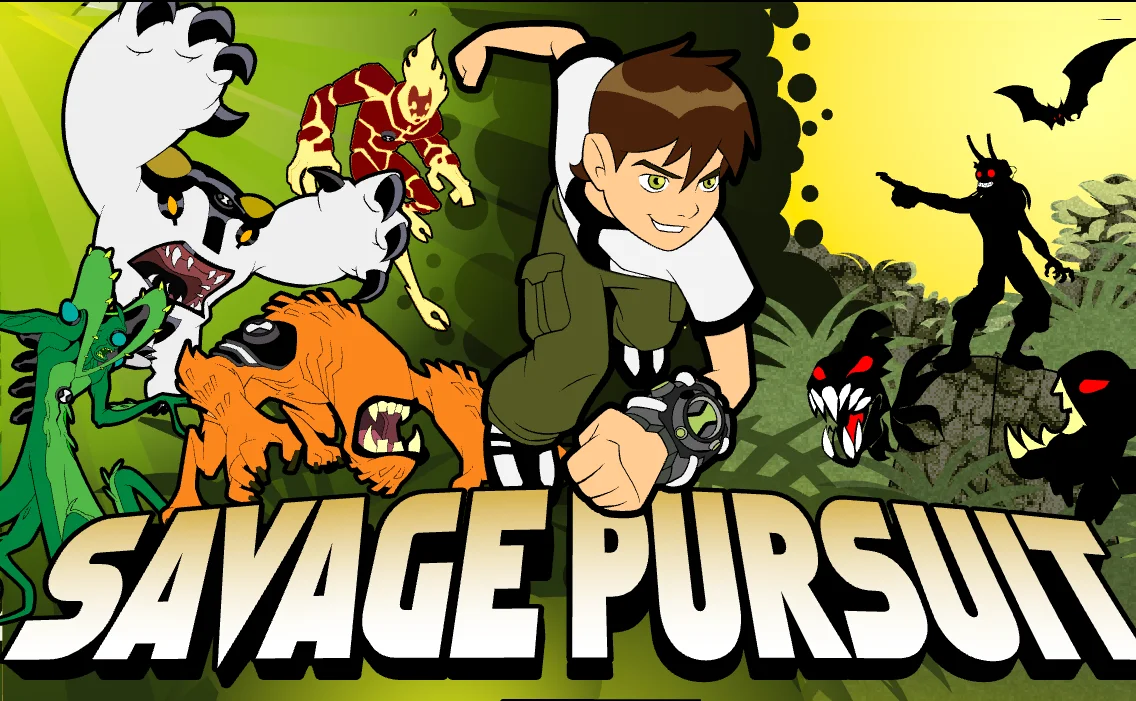 Ben 10: Savage Pursuit
Explore a mutant-filled jungle as Ben, switching between Wildmutt, Wildvine, Heatblast, and Cannonbolt to defeat enemies and recover device parts.
View Game -
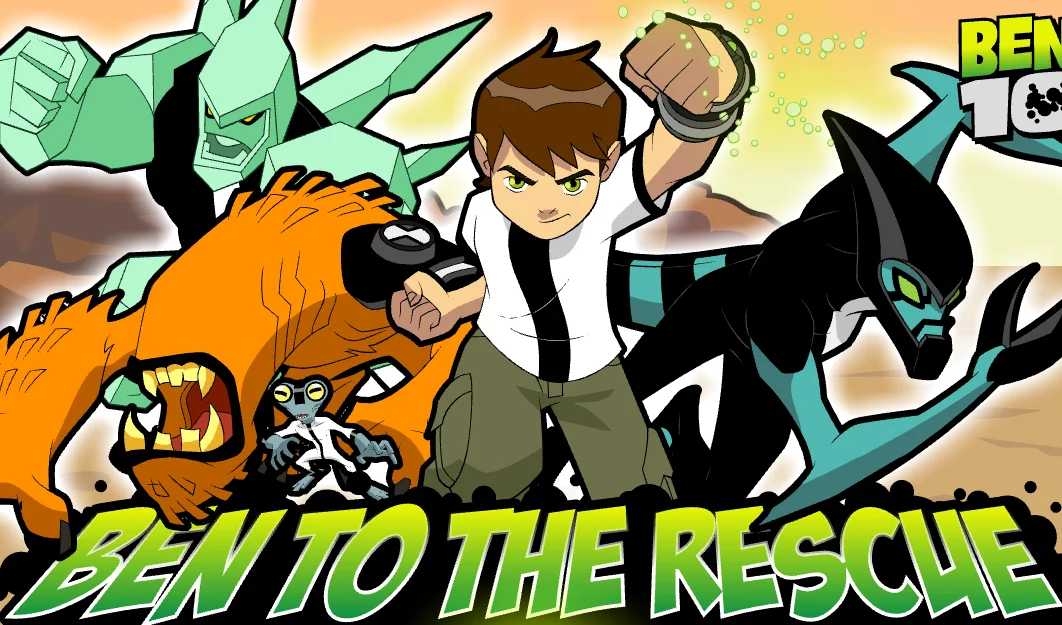 Ben 10: To The Rescue
Race along a highway as XLR8, solve circuits with Grey Matter, escape rising lava as Wildmutt, and battle Tetrax as Diamondhead to rescue Gwen.
View Game -
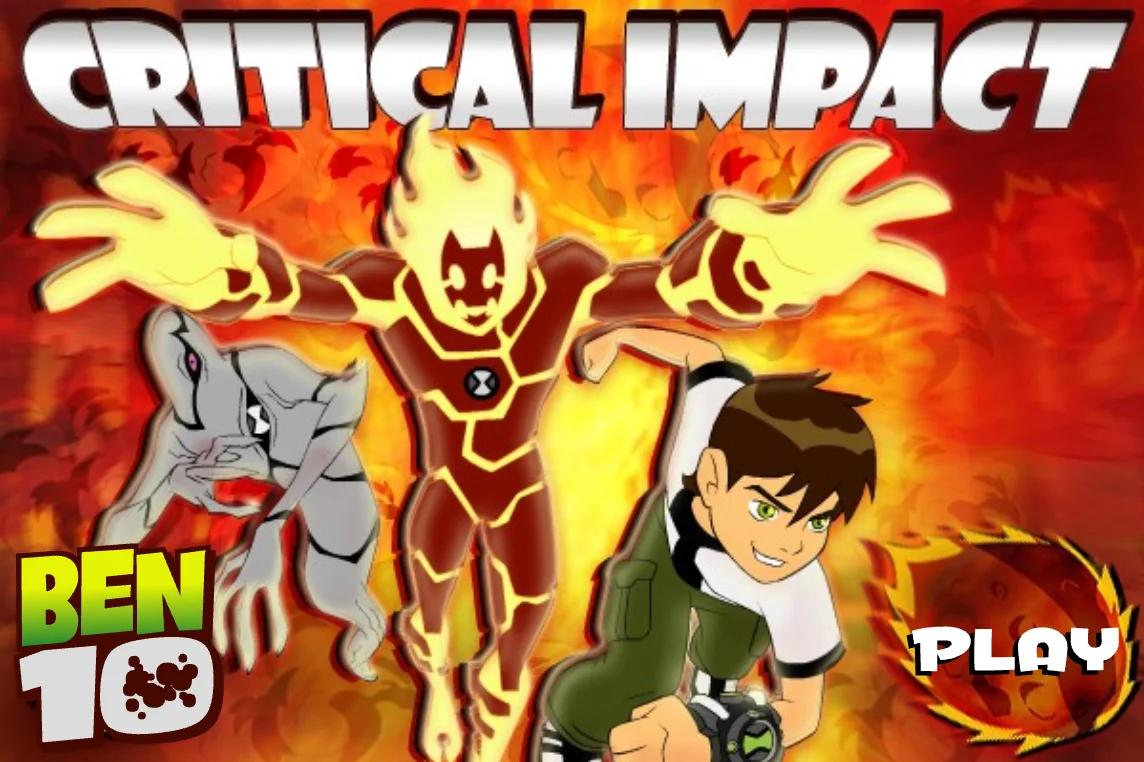 Ben 10: Critical Impact
Switch between Heatblast and Ghostfreak to destroy incoming meteors, pass through barriers, collect health pickups, and survive the meteor shower.
View Game -
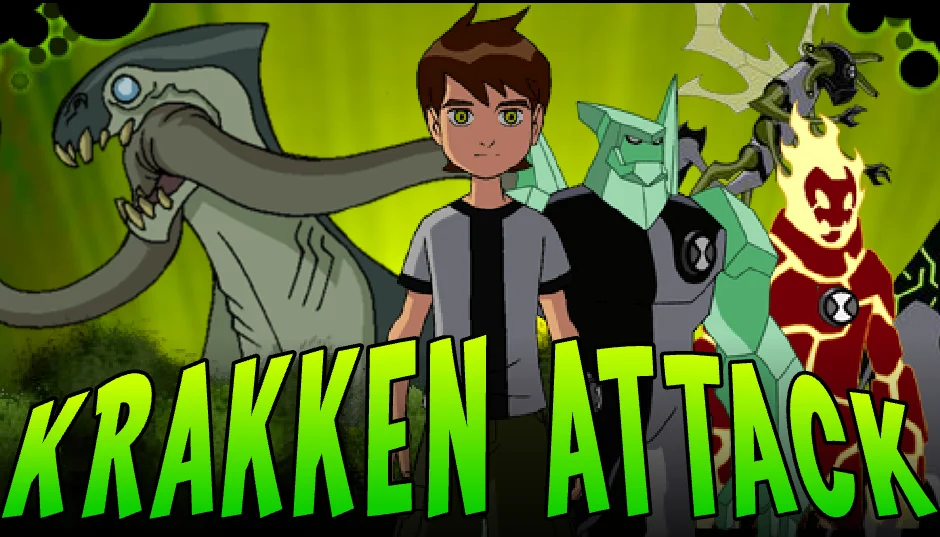 Ben 10: Krakken Attack
Battle the giant Krakken as Heatblast, Stinkfly, Diamondhead, or Upgrade. Fire at its weak spot, dodge plasma bursts, and beat the timer.
View Game -
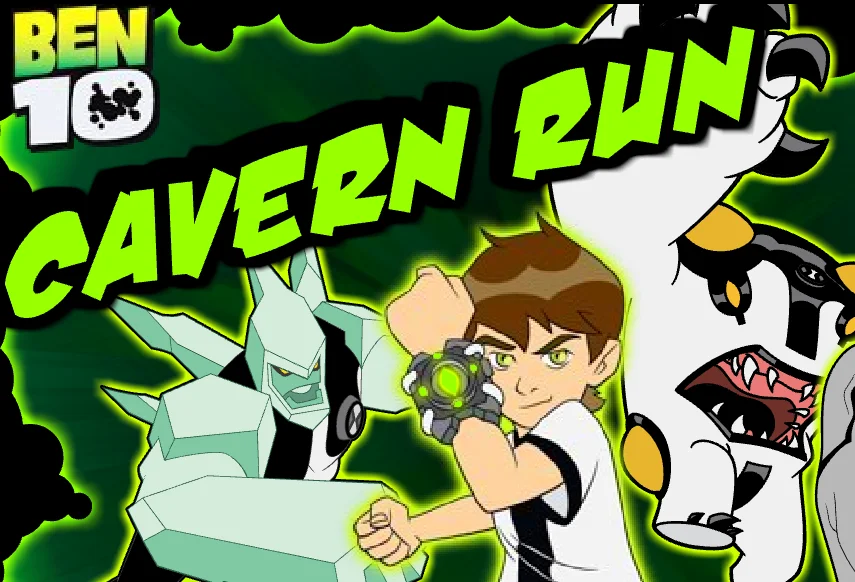 Ben 10: Cavern Run
Draw laser bridges and walls to guide Ben through underground caves, collect bonus items, and use Omnitrix transformations to reach the exit.
View Game -
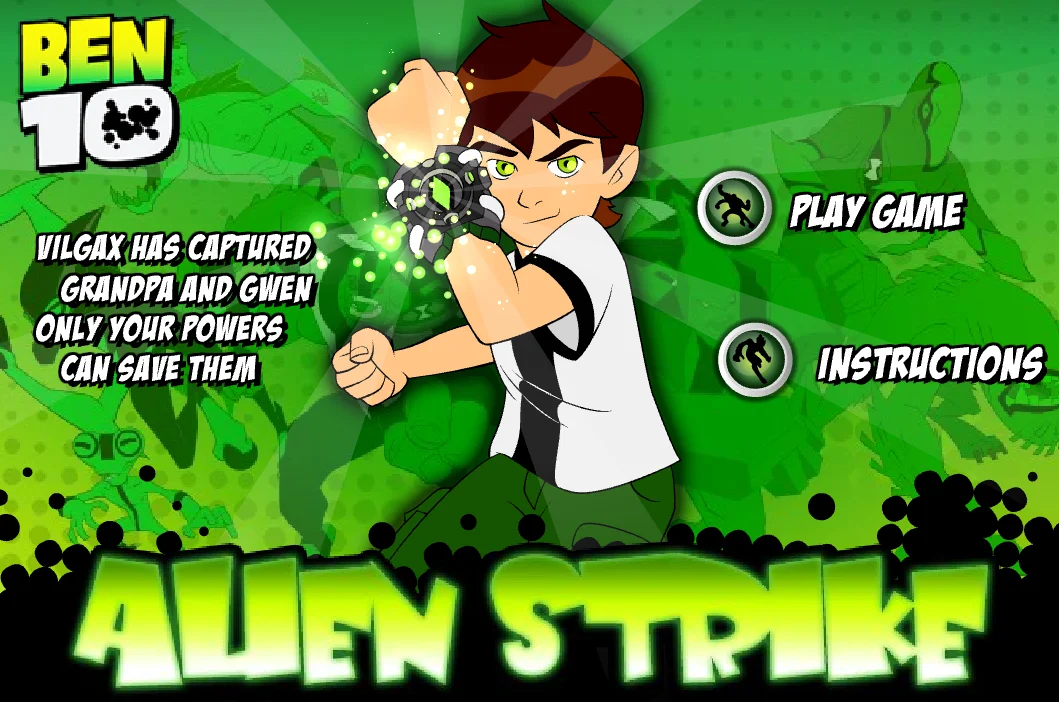 Ben 10: Alien Strike
Run, jump, and collect Omnitrix tokens to transform into three aliens, defeat Vilgax's enemies, and rescue Gwen and Grandpa Max.
View Game -
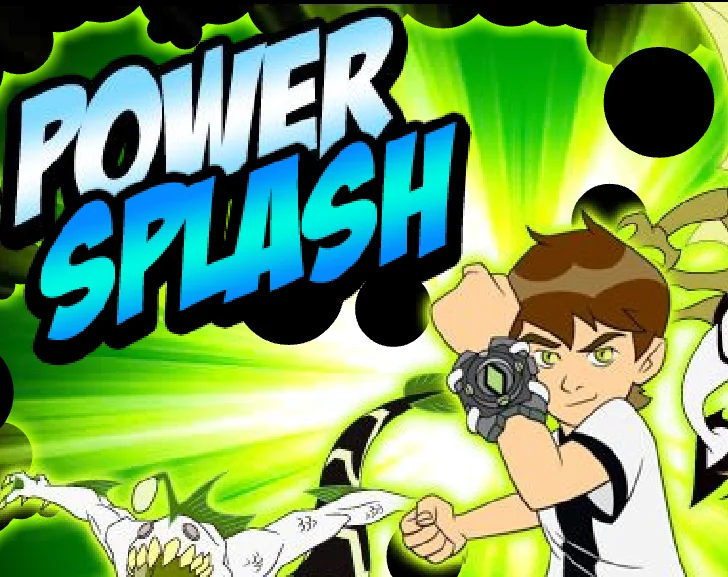 Ben 10: Power Splash
Chase Gwen's kidnappers as Ripjaws and Stinkfly, biting underwater enemies, dodging mines, and firing slime at the villains' boat.
View Game -
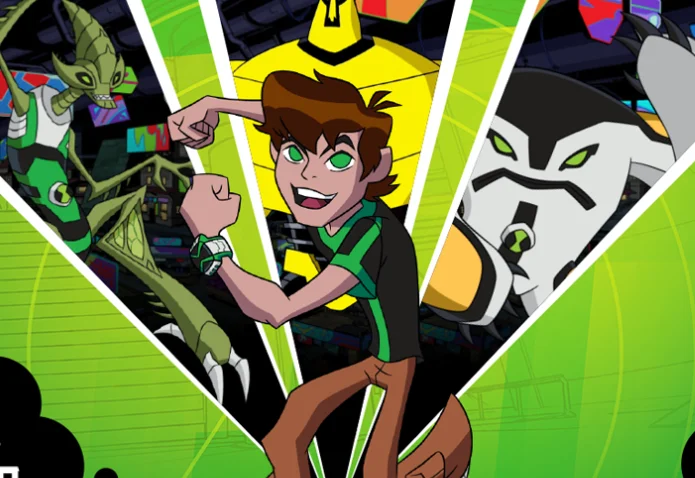 Ben 10 Omniverse: Undertown Runner
Jump over barriers, slide under hazards, and collect green orbs while running through Undertown as Ben or one of three Omnitrix aliens.
View Game -
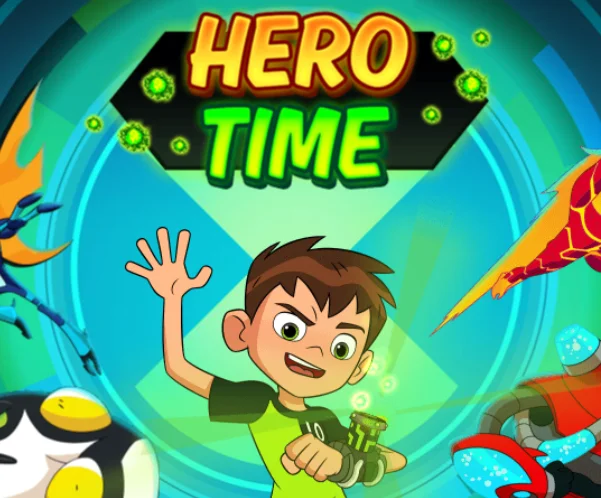 Ben 10: Hero Time
Race through timed platform levels as Cannonbolt, Heatblast, Stinkfly, XLR8, or Overflow, using alien powers to collect Omnitrix tokens and reach the exit.
View Game -
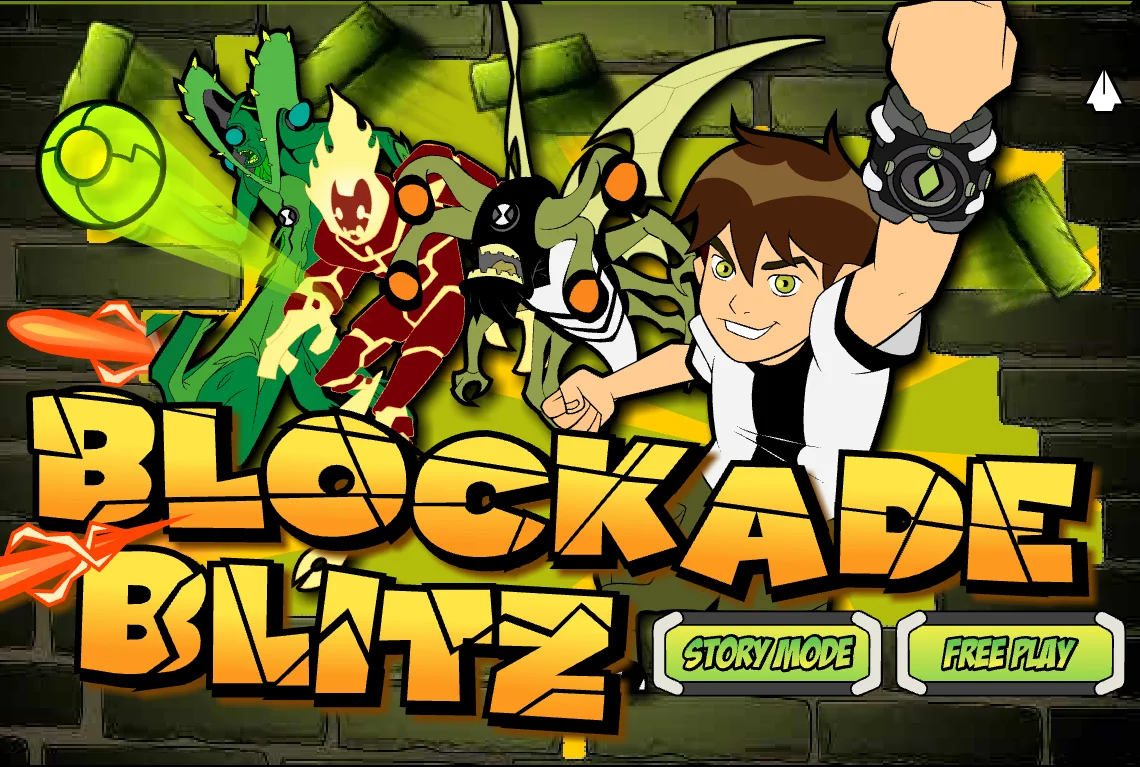 Ben 10: Blockade Blitz
Keep the ball bouncing to destroy bricks and enemies, catch falling bonuses, and transform into six aliens with special abilities.
View Game -
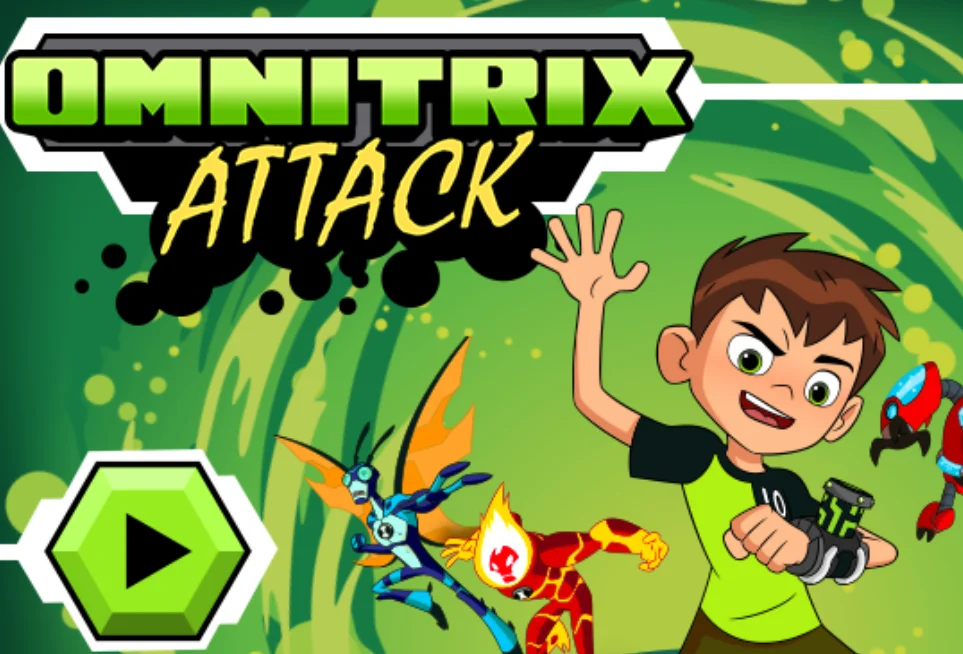 Ben 10: Omnitrix Attack
Shoot Vilgax's drones, avoid spikes and enemy projectiles, and use Omnitrix checkpoints to change aliens across nine side-scrolling levels.
View Game -
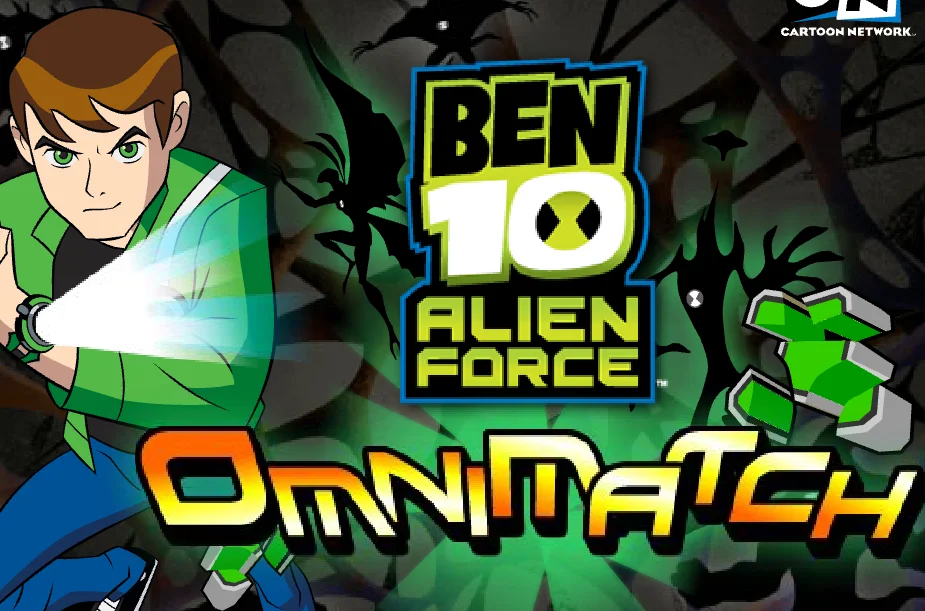 Ben 10 Alien Force: Omnimatch
Swap adjacent Alien Force character tiles to match three or more identical aliens, clear groups from the board, and score bonus points in the Super Stack.
View Game -
 Ben 10: Hero Hoops
Aim and shoot basketballs through moving hoops, collect extra time and score multipliers, and beat your high score before the timer runs out.
View Game -
 Ben 10 Alien Force: Jetray In Too Deep
Hold and release the mouse button to guide Jetray through rocky underwater passages, avoid enemies and projectiles, and travel as far as possible.
View Game -
 Ben 10: Cannonbolt Crash
Aim and launch Cannonbolt to knock out Zombozo's clowns, ricochet off walls, and clear each arena with as few shots as possible.
View Game -
 Ben 10: Super Squad
Train Ben 10's cricket squad by watching the next-throw marker and selecting the correct character to score points in this reflex-based Flash game.
View Game -
 Ben 10: Escape Route
Draw green paths across gaps and obstacles to guide Ben toward the exit, collect energy orbs, and use Omnitrix powers to solve platform puzzles.
View Game -
 Ben 10: Power Surge
Fly through waves of enemy drones, collect Omnitrix energy to power up Heatblast or Stinkfly, and defeat Billy Billions' weapons in boss battles.
View Game -
 Ben 10: Steam Camp
Fly through the campground as Stinkfly, shoot hostile robots, pick up stranded campers, and carry them to safety while protecting your health.
View Game -
 Ben 10: No Arm Done
Move Four Arms away from marked attack zones, strike Clocktopus's trapped tentacles, and build strength to smash them before they retract.
View Game
About Ben 10 Browser Games
Ben 10 games take different approaches to the Omnitrix. Some are action platformers where you switch aliens to overcome enemies and obstacles; others are puzzle, racing or arcade-style games built around a single character or ability. Each game page describes what you do and lists the available controls.
Playing classic Flash games
Some older Ben 10 titles were originally made for Adobe Flash. Compatible games can run using a browser-based Flash emulator, although loading time and game support vary. Desktop keyboard or mouse controls may work better than touch input on older releases.