
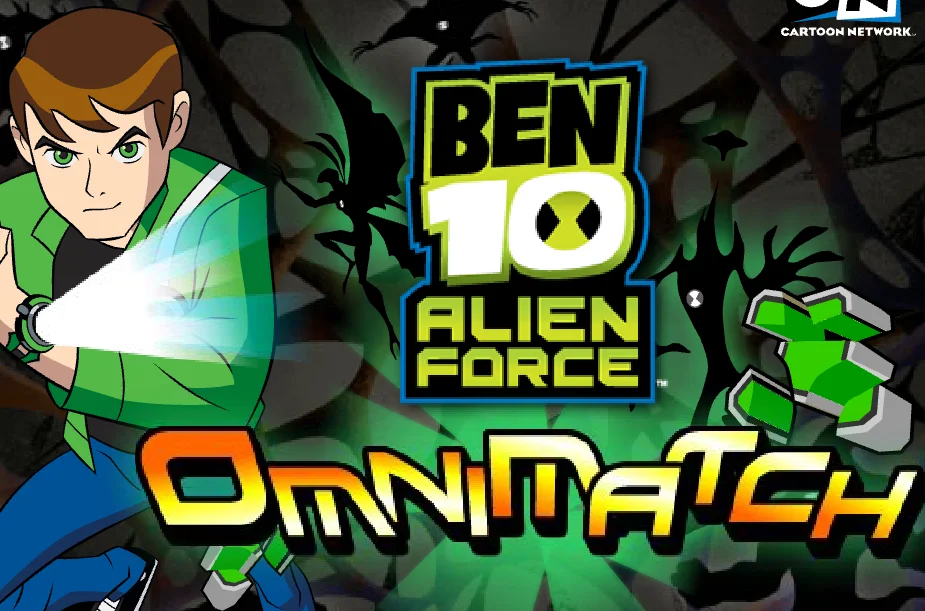
About Ben 10 Alien Force: Omnimatch
Ben 10 Alien Force: Omnimatch is a match-3 puzzle game based on the Cartoon Network series Ben 10: Alien Force. Instead of fighting enemies, you'll arrange tiles featuring familiar alien heroes to create matching groups and score points.
How to Play
Move the selection cursor around the board and swap adjacent tiles to line up three or more identical alien portraits. Matching tiles disappear from the board and are added to the Super Stack.
The Super Stack provides another opportunity to earn points. Creating combinations there awards bonus points, so pay attention to both the main puzzle board and the stack as you play.
Featured Ben 10 Aliens
The tiles feature aliens from the Alien Force series, including Swampfire, Humungousaur, Jetray, Big Chill, Chromastone, Brainstorm, Goop, and Spidermonkey. Each alien is represented by a portrait that you must match with identical tiles.
Tips for Playing
- Look for groups of identical aliens before making a swap.
- Focus on creating matches of three or more tiles.
- Watch the Super Stack for opportunities to earn bonus points.
- Plan your next move by checking nearby tiles before swapping.
Keyboard Controls
- Arrow Keys: Move the selection cursor around the puzzle board.
- Spacebar: Select a tile and swap it with an adjacent tile.
Match three or more identical alien portraits to clear tiles and earn points.