
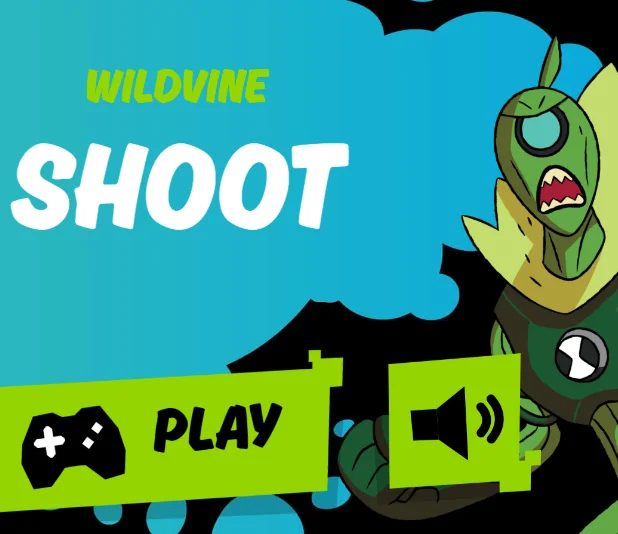
About Ben 10: Wildvine Shoot
Ben 10: Wildvine Shoot is a timed arcade shooting game based on Cartoon Network's 2016 Ben 10 animated series. Ben Tennyson transforms into Wildvine, a plant-powered alien, to defend himself against Billy's flying robotic drones. The challenge is to destroy as many approaching enemies as possible before the 30-second countdown ends.
Gameplay and Objective
Wildvine stays in a fixed position while enemy drones fly toward him from above. Your objective is to shoot down the robots before they get too close or pass his position. The game focuses on accurate targeting and quick reactions rather than movement or exploration.
Each round lasts just 30 seconds. There are no separate stages to travel through or characters to switch between. Your performance depends on how effectively you handle the approaching drones during the short time limit.
Enemies and Scoring
The enemies are robotic drones associated with Billy Billions from the Ben 10 reboot series. They descend toward Wildvine, creating a constant stream of targets to intercept.
Each drone destroyed earns 10 points. However, every drone that gets past you costs 10 points, so allowing too many enemies to escape can quickly reduce your total score.
The 30-Second Challenge
A countdown timer limits every attempt to 30 seconds. The short round requires you to choose targets quickly and keep track of approaching enemies across the screen.
When the timer reaches zero, the challenge ends and your final score determines how well you performed. You can replay the game to practice your accuracy and aim for a better result.
Tips for a Higher Score
- Prioritize nearby drones: Target enemies closest to Wildvine before they can pass him.
- Watch the full screen: Keep an eye on new robots approaching from above.
- Keep your shots accurate: Concentrate on hitting drones instead of firing without a clear target.
- Protect your score: Every escaped drone costs 10 points, reducing the value of earlier hits.
- React quickly: With only 30 seconds available, hesitation can allow multiple enemies to get through.
- Practice target selection: Repeated rounds can help you improve accuracy and set a higher score.
Mouse Controls
- Move Mouse: Aim at incoming robot drones.
- Left Click: Fire Wildvine's vine projectiles.
- Hold Left Mouse Button: Fire continuously at approaching enemies.
Touch Controls
- Tap Screen: Aim and fire at enemy drones on supported touchscreen devices.