
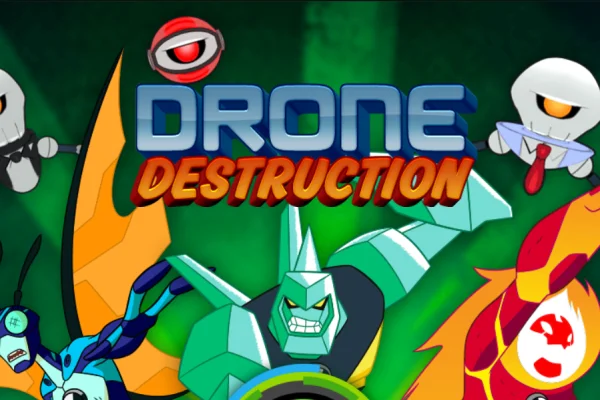
About Ben 10: Drone Destruction
Ben 10: Drone Destruction is a 3D arena survival game based on the 2016 Ben 10 series. While traveling in the Rust Bucket, Ben and Grandpa Max are surrounded by hostile drones. Choose Diamondhead, Heatblast, or Stinkfly, fight off waves of robotic enemies, and improve your alien's abilities to survive as long as possible.
Gameplay and Objective
Choose one of three aliens and enter a battlefield near Grandpa Max's RV. Move around the area, fire at approaching drones, and avoid their attacks. Enemies arrive in waves, and your objective is to eliminate every drone in the current wave before moving on to the next challenge.
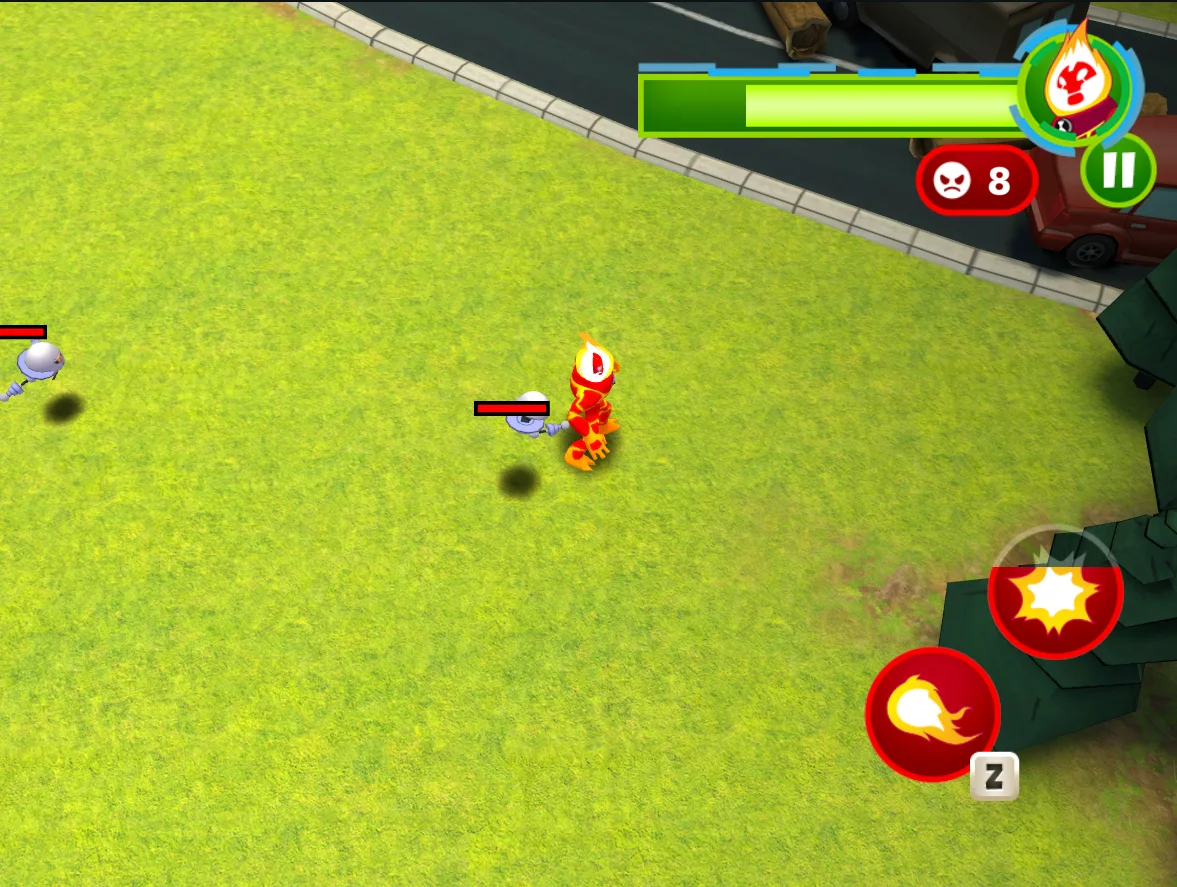
The upper-right corner displays your health bar and the number of enemies remaining. As you survive more waves, the drones become increasingly dangerous. Keep moving to avoid being surrounded, and use your alien's ranged attacks to clear the battlefield.
Choose Your Alien
Before starting, choose one of three playable aliens. Each has a different appearance, attack style, and special ability.
- Diamondhead: A crystal-based alien who attacks enemies using his powers.
- Heatblast: Uses fire-based projectiles and a powerful special attack against drones.
- Stinkfly: A winged alien with ranged attacks suited to fighting robotic enemies.
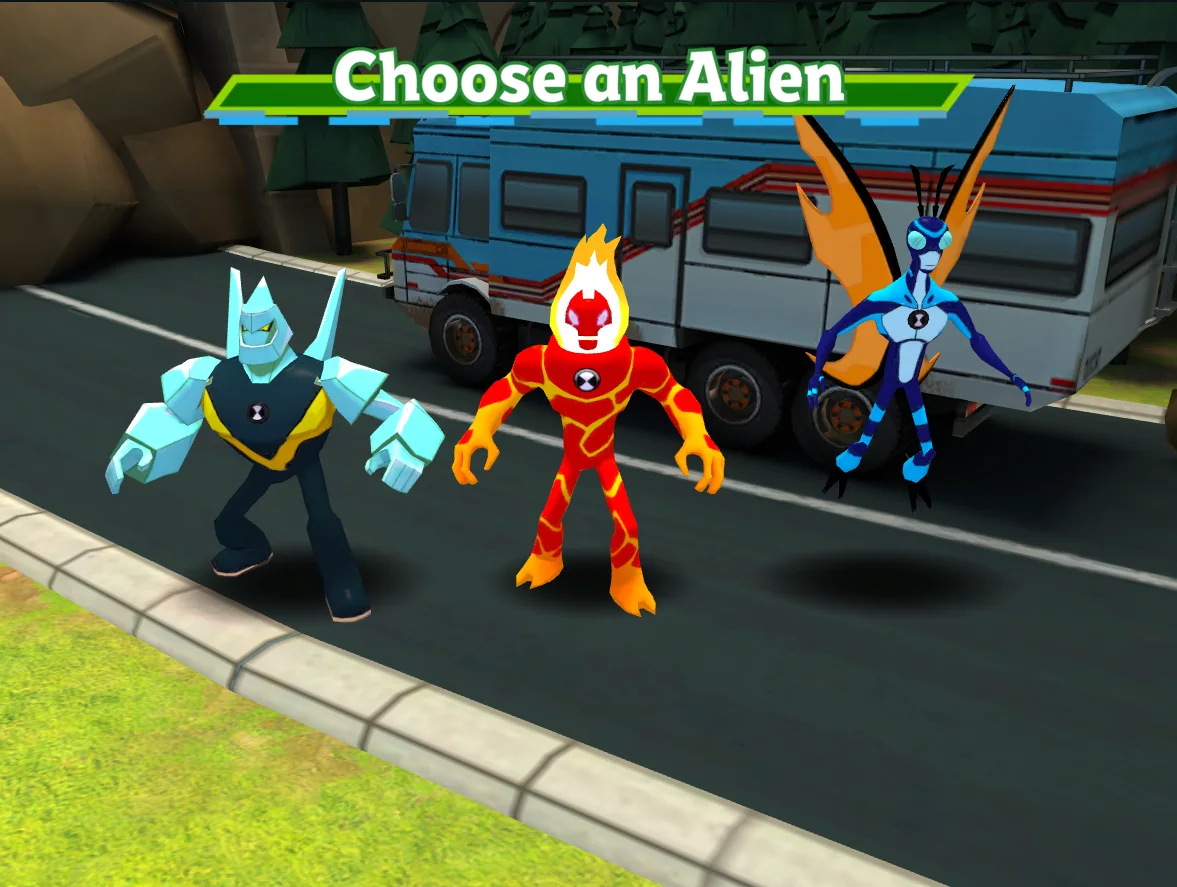
The starting selection lets you choose your preferred alien before entering the arena. Experiment with the three forms to find the attack style that works best for you.
Drone Waves and Special Attacks
Every wave introduces a group of drones that must be defeated. Some enemies approach your position, while others attack from a distance. Later waves introduce stronger opponents, and certain rounds feature a powerful boss enemy.
Press Z to use your alien's regular ranged attack. A special attack is also available through the X key, but it requires time to recharge. The special ability can deal greater damage or cover a wider area than a normal shot.
Watch the enemies around you and avoid staying in one position for too long. The game continues through increasingly difficult waves, so survival is more important than rushing toward every enemy.
Upgrades Between Waves
After completing a wave, you can choose an upgrade to improve your alien. The game offers three randomly selected upgrade options, allowing you to develop different combinations of offensive and defensive abilities.
Available upgrades include:
- Multi-Shot: Fires additional projectiles with each attack.
- Damage Boost: Increases attack damage.
- Speed Boost: Improves movement speed.
- Health Boost: Increases maximum health.
- Heal: Restores lost health.
- Life Steal: Restores some health when enemies are defeated.
- Stun Shot: Adds a stunning effect to attacks.
- Pierce Shot: Allows projectiles to pass through multiple enemies.
- Reduce Special Timer: Shortens the recharge time of your special ability.
- Payback: Damages enemies when they attack you.
Some upgrades can be selected more than once to increase their effects. Choose improvements that complement your alien's abilities and help address the problems you encountered in earlier waves.
Tips for Playing
- Keep moving: Avoid standing still when several drones are approaching from different directions.
- Maintain distance: Use ranged attacks while staying out of reach of nearby enemies.
- Save your special attack: A charged special ability can be especially useful against groups of drones or powerful opponents.
- Watch the enemy counter: Check how many drones remain before the next wave begins.
- Choose upgrades carefully: Consider movement speed, damage, and health recovery instead of focusing only on attack power.
- Protect your health: Your health does not automatically return to full after every wave, so avoid unnecessary damage.
- Prepare for bosses: Keep your distance from stronger enemies and watch their attack patterns.
Keyboard Controls
- Arrow Keys: Move your alien around the battlefield.
- Z: Fire a regular attack.
- X: Use the charged special attack.
Touch Controls
- Touch / Drag: Move your alien using the on-screen controls.
- Attack Button: Fire a regular attack.
- Special Attack Button: Activate the charged special ability.