
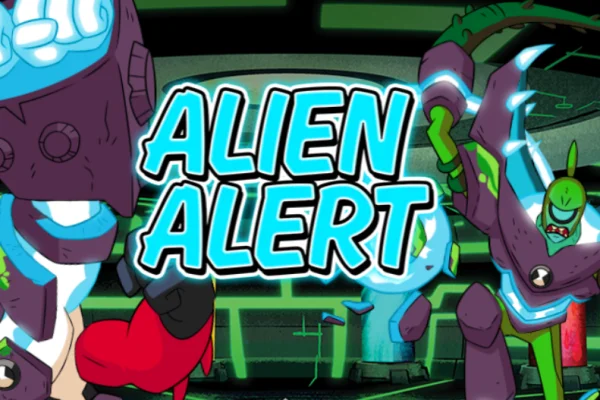
About Ben 10: Alien Alert
Ben 10: Alien Alert is a programming puzzle game from Cartoon Network's Ben 10: Omnitrix Glitch collection. Help Ben fight his way through a series of robot-filled challenges by arranging movement and attack commands. Plan each sequence carefully, then watch Omni-Enhanced Four Arms or Wildvine carry out your instructions.
Gameplay and Objective
Instead of controlling an alien directly, you create a sequence of commands before the action begins. Each level presents platforms, obstacles, and robotic enemies. Choose the actions your alien should perform, place them in the correct order, and run the sequence to see whether your plan succeeds.
The game features 10 levels, alternating between Omni-Enhanced Four Arms and Omni-Enhanced Wildvine. Your objective is to get past the enemies and complete the challenge using the available commands. The interface displays your score and the number of steps used.
How to Program Your Alien
The command buttons appear at the bottom of the screen. Tap or click an icon to add an action to the sequence. Once you have arranged your commands, press Play to execute them.
- Walk: Move the alien in the selected direction.
- Turn Around: Change the direction the alien is facing.
- Jump: Move over obstacles or reach a higher platform.
- Attack: Strike an enemy when your alien is close enough.
- Special Attack: Use a stronger attack against enemies that cannot be defeated with ordinary punches.
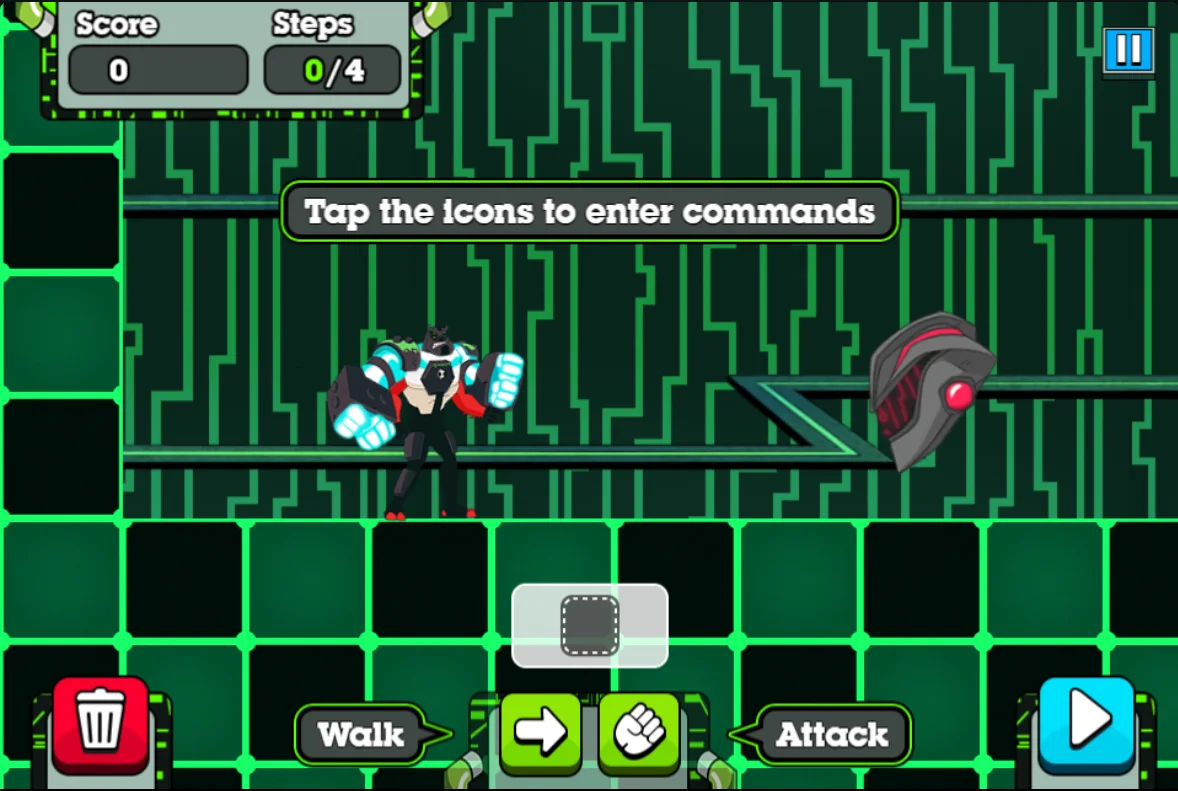
The number of commands available varies between levels. Watch the Steps counter and plan your route before filling the command sequence.
Four Arms, Wildvine, and Robot Enemies
The game features two playable alien forms from the Ben 10 reboot series:
- Omni-Enhanced Four Arms: Uses powerful punches and enhanced attacks to destroy robot enemies.
- Omni-Enhanced Wildvine: Uses his own attacks while navigating platform-based challenges.
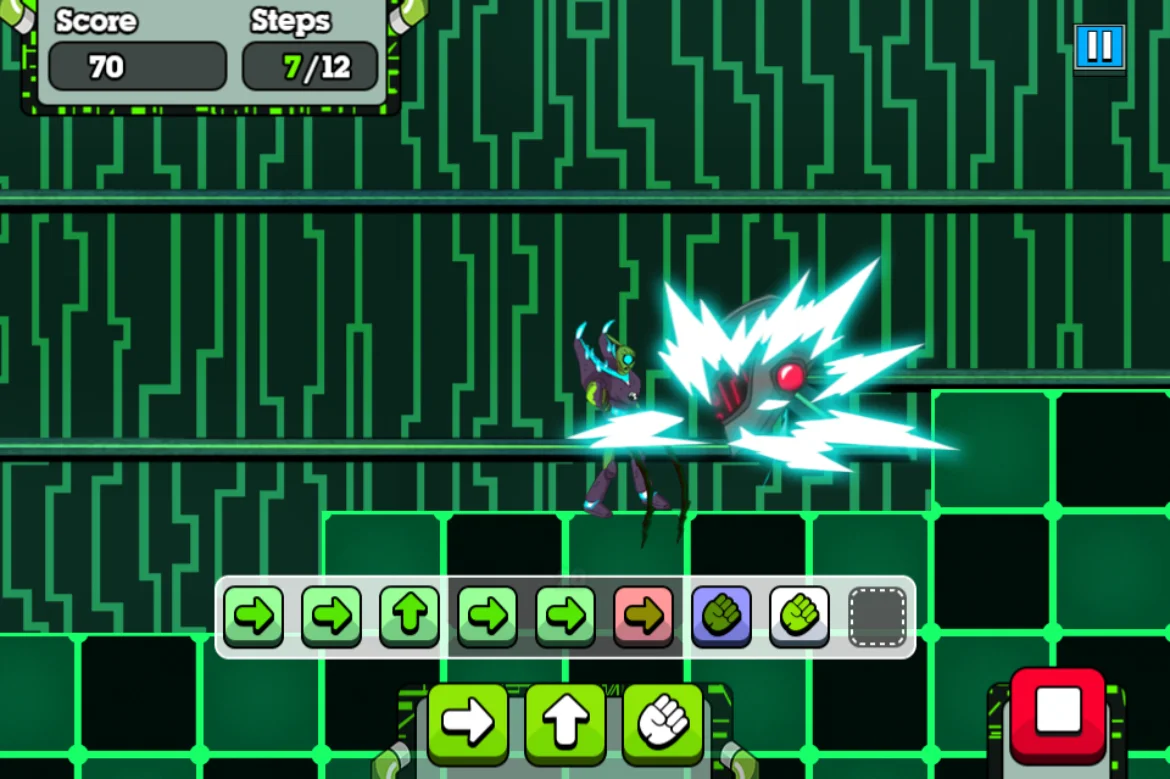
Some robotic enemies can be defeated with a regular attack, while tougher enemies require a special attack. Using an ordinary attack against an advanced enemy can trigger a counterattack, reduce your score, and send your alien backward.
Special attacks have limited availability in certain levels. Save them for enemies that require stronger moves instead of using them unnecessarily.
Steps, Scores, and Level Progression
Each puzzle challenges you to arrange actions in a useful order. The Steps counter shows how many commands have been entered compared with the available limit, while the Score display tracks your performance.
Later puzzles introduce longer command sequences, different layouts, and additional enemies. You can chain several actions together, making it important to choose the correct order before starting the sequence.
The Level Select screen displays 10 numbered stages and shows your progress as you complete them.
Tips for Playing
- Study the layout first: Check the positions of enemies, platforms, and gaps before choosing commands.
- Plan the whole sequence: Think about where your alien will stand after each movement.
- Watch the Steps limit: Avoid unnecessary actions that use up valuable command slots.
- Attack at the right distance: Place attack commands where your alien can actually reach an enemy.
- Save special attacks: Use stronger attacks against advanced enemies that resist ordinary punches.
- Correct your sequence: If a command fails, adjust its position instead of repeating the same plan.
- Learn from each level: Use the results of earlier puzzles to plan longer sequences more efficiently.
Mouse Controls
- Left Click: Select a movement or attack command and add it to the sequence.
- Play Button: Execute the programmed command sequence.
- Stop Button: Stop the current sequence.
- Trash Button: Clear the command sequence.
- Pause Button: Pause the game.
Touch Controls
- Tap: Select commands and use the on-screen buttons.