
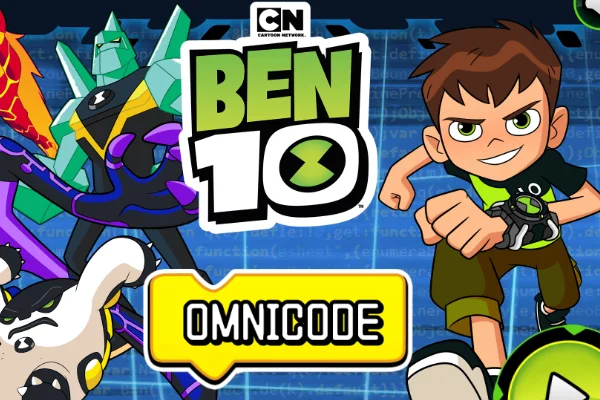
About Ben 10: Omnicode
Ben 10: Omnicode is a visual programming puzzle game developed by Playerthree for Cartoon Network. Ben has become trapped inside a digital world, and you must guide him through a series of mazes by creating instructions. Instead of moving him directly, you arrange coding blocks that control his actions, use alien transformations to overcome hazards, and work toward each level's exit.
Gameplay and Objective
Each puzzle takes place in a 3D environment containing pathways, obstacles, Omnitrix symbols, and an exit. Examine the level, decide which actions Ben needs to perform, and arrange the corresponding commands in the correct order.
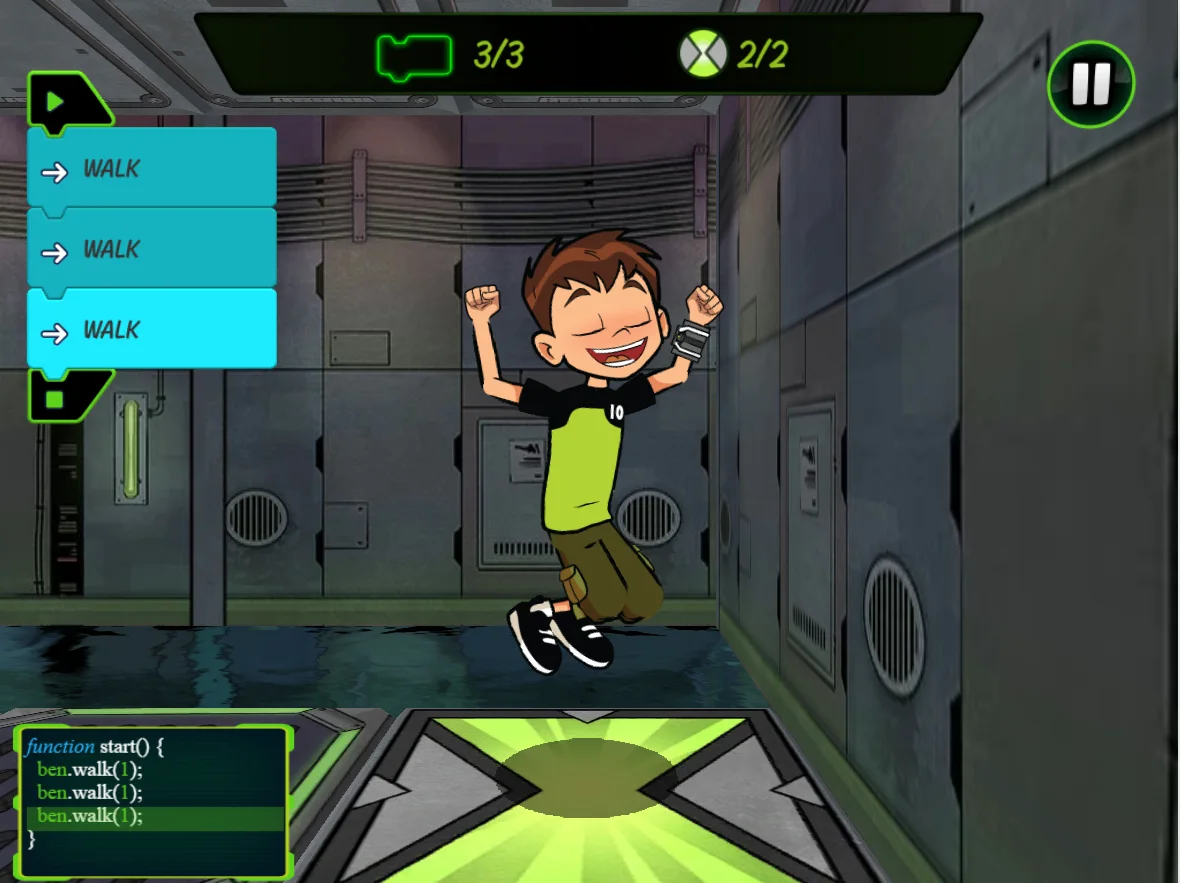
When you run the program, Ben follows the instructions you created. If your sequence sends him in the wrong direction or into a hazard, revise the code and try again. The challenge is to build a working solution rather than react quickly or control Ben in real time.
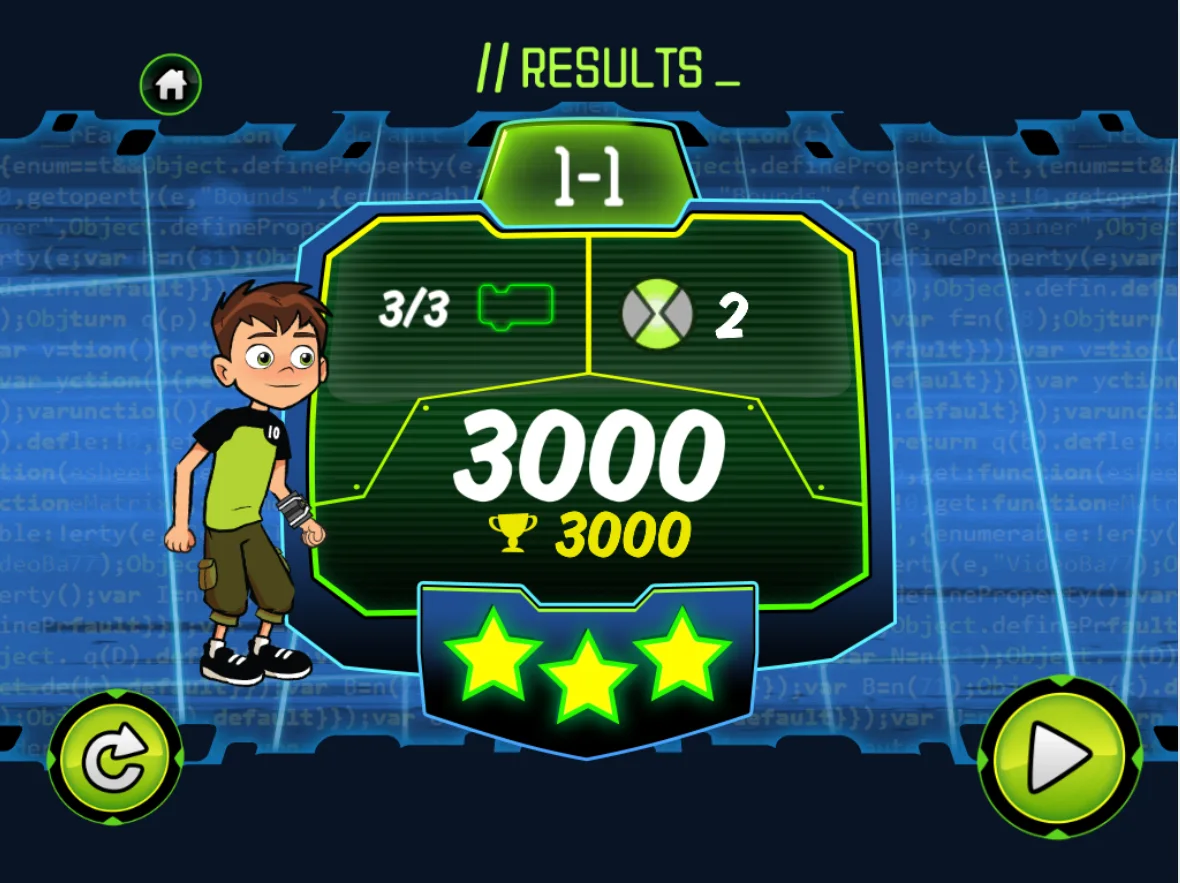
The game rewards efficient solutions. Collecting Omnitrix symbols and completing a puzzle with fewer code blocks can improve your star rating.
Programming Blocks and Puzzle Mechanics
The game uses a visual Toolbox containing commands that can be dragged into a program. Each block represents an action, allowing you to experiment with programming without typing code.
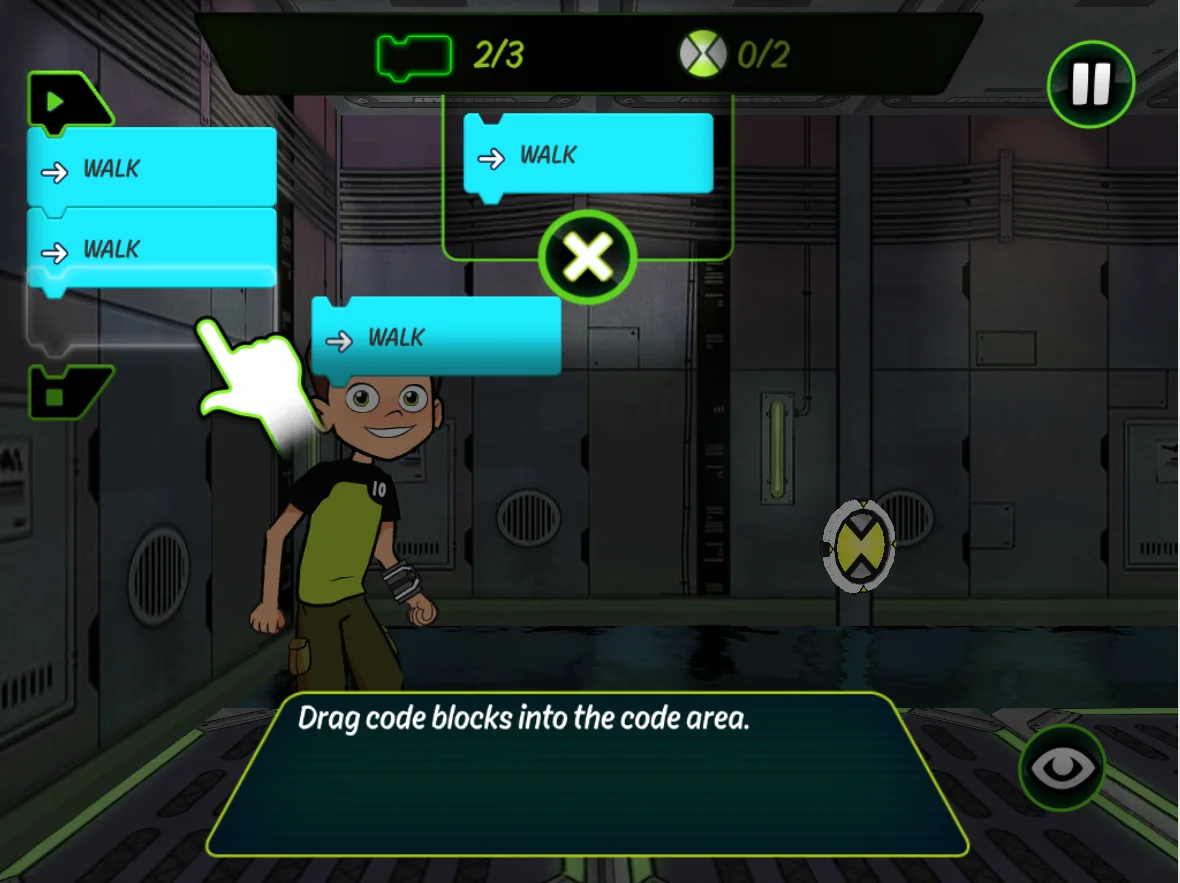
- Walk: Move Ben forward along the current path.
- Jump: Cross gaps or other obstacles.
- Turn: Change the direction Ben is facing.
- Transform: Activate an alien form when its abilities are needed.
Some commands accept values that determine how an action is performed or repeated. More advanced puzzles introduce concepts such as variables and loops, which help organize longer programs and reduce unnecessary instructions.
You can also inspect the environment from above before choosing a route. The game combines 3D surroundings with animated 2D characters, making it possible to view the puzzles from different angles.
Alien Transformations and Environmental Challenges
The Omnitrix is an important part of the puzzle-solving system. Certain obstacles require an alien's special ability rather than a simple movement command.
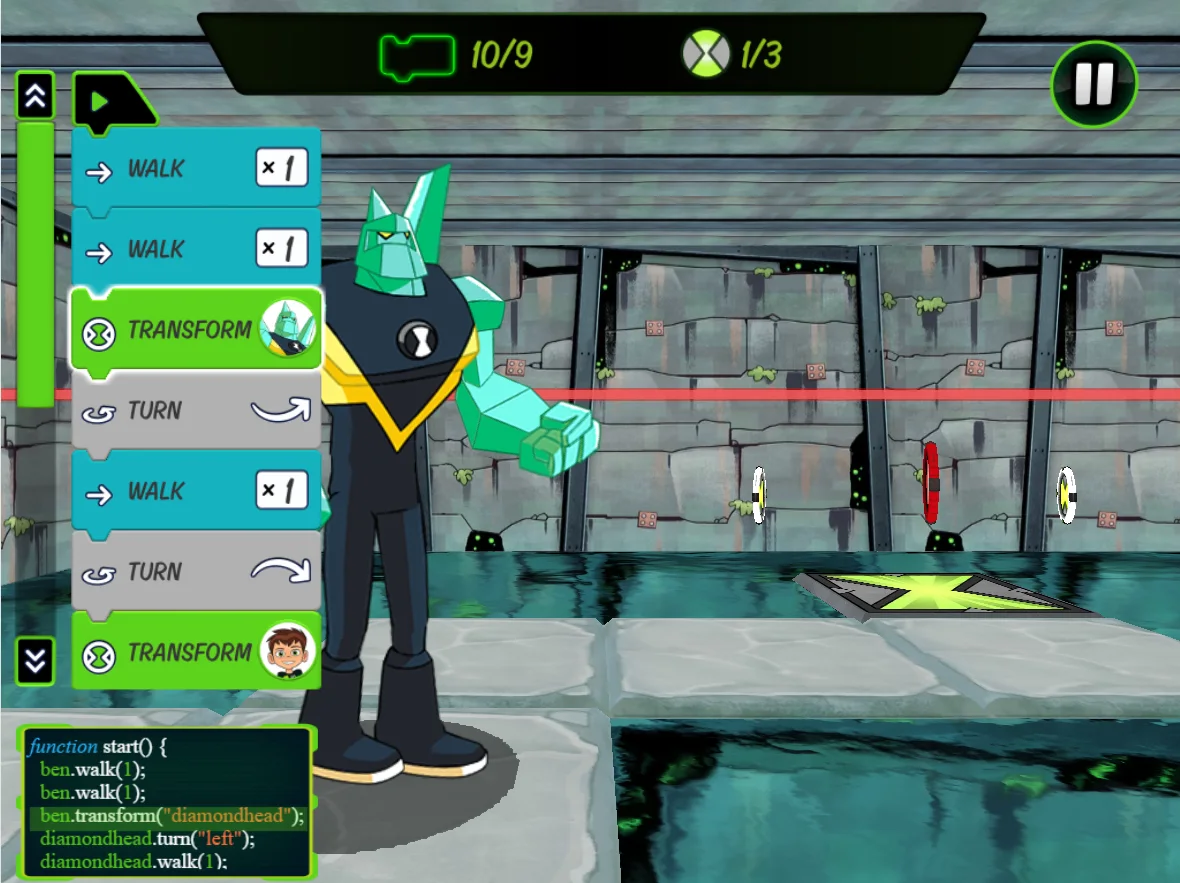
The game includes alien forms such as Cannonbolt, Diamondhead, Four Arms, Heatblast, Overflow, and Upgrade. Their availability depends on the challenges and progression of the game, so they should not be treated as characters available from the beginning.
Environmental obstacles include fire, acid pits, water, gaps, and traps. Some aliens can overcome hazards that Ben cannot pass in human form. For example, Cannonbolt can roll across certain acid-covered areas, while Diamondhead can reflect laser beams. Choosing the correct transformation and placing it at the right point in the program are essential parts of these puzzles.
Levels and Progression
The preserved version displays three themed level groups. The first group lists 28 levels, and the second lists 12, giving a total of at least 40 visible level entries. The third group is initially locked, and its contents have not been confirmed.
The opening group provides tutorials that introduce the Toolbox, command sequences, program execution, and the level preview. Later puzzles introduce additional instructions, alien abilities, and more complicated routes.
The level selection screens display numbered stages, locked challenges, trophy counts, and star ratings. Players can revisit completed puzzles to improve their results.
Tips for Solving Puzzles
- Preview the route: Inspect the whole level before building a sequence, especially when the destination is not immediately visible.
- Check command order: A transformation or turn placed too early can make an otherwise correct plan fail.
- Watch the block limit: Use only the instructions needed to reach the objective.
- Revise the failing step: When Ben encounters an obstacle, identify the command responsible before changing the rest of your program.
- Improve completed solutions: Revisit a puzzle to collect missed symbols or reduce the number of blocks used.
Mouse Controls
- Left Click: Open the Toolbox or select an on-screen button.
- Click and Drag: Add or rearrange coding blocks.
- Run Code: Execute Ben's programmed actions.
- Eye Button: View the level from above.
- Drag to Bin: Delete an unwanted coding block.
- Click and Drag on the Level: Inspect the environment.
Touch Controls
- Tap: Open the Toolbox, select commands, or run the program.
- Drag: Arrange coding blocks or move them into the bin.
- Swipe: Inspect different areas of the level.