
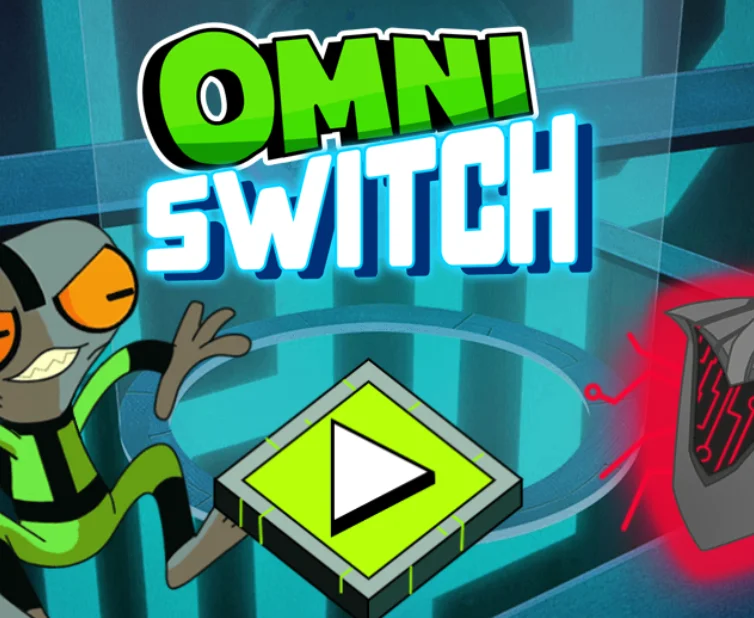
About Ben 10: Omni Switch
Ben 10: Omni Switch is an action and defense game from Cartoon Network's Ben 10: Omnitrix Glitch collection, based on the 2016 animated series. Ben Tennyson must repair malfunctioning systems while hostile alien viruses try to interrupt the process. The challenge is to alternate between Grey Matter's technical skills and the combat abilities of other alien transformations.
Gameplay and Objective
Each level challenges you to repair a computer system while protecting it from incoming enemies. Grey Matter is responsible for performing the repairs, and the progress meter must reach 100% to complete the stage.
However, Grey Matter cannot defend himself against the approaching viruses. When enemies appear, the repair process must give way to combat. After the immediate threats have been defeated, you can return to Grey Matter and continue working toward full repair progress.
Alien Transformations and Roles
Omni Switch features four selectable alien forms. Grey Matter handles repairs, while the other transformations provide the offensive abilities needed to protect the system.
- Grey Matter: Repairs and hacks the computer systems but cannot attack enemies.
- Heatblast: Uses fire-based attacks against approaching threats.
- Other combat aliens: Provide additional attack types suited to different enemy defenses.
Choosing the right form at the right moment is central to the game. Remaining in Grey Matter's form too long leaves the system vulnerable, while spending too much time fighting delays the repair objective.
Enemies and Attack Types
Hostile viruses and drones approach the repair station throughout the stages. Different enemies respond better to particular alien attacks, so matching the alien's offensive power to the enemy type can help you clear threats more efficiently.
Some alien attacks can overheat when used repeatedly. Overheating temporarily prevents further attacks, making it important to manage offensive power instead of relying on continuous firing.
Repair Progress and Levels
The game contains ten levels, each requiring the repair progress meter to reach 100%. As you advance, enemies appear more frequently and give you less time to work on the computer before another attack begins.
Success depends on dividing your attention between making repair progress and eliminating enemies before they can interrupt the mission. The later stages require faster decisions and more effective use of the available alien forms.
Omnitrix Pickups
Defeated enemies may leave behind Omnitrix pickups that improve the effectiveness of your attacks. Collecting these bonuses can help you deal with stronger threats as the levels become more difficult.
Powering up your attacks is useful, but the main objective remains completing the repair process rather than simply defeating as many enemies as possible.
Tips for Completing Levels
- Prioritize repair progress: Return to Grey Matter whenever the immediate area is safe.
- Watch for approaching enemies: Do not wait until a virus reaches the computer before preparing to defend it.
- Choose effective attacks: Different enemy types can be defeated more efficiently with particular alien abilities.
- Manage overheating: Avoid exhausting an alien's attack capability when more enemies are approaching.
- Collect Omnitrix bonuses: Power upgrades can make later encounters easier.
- Switch forms efficiently: The key to winning is balancing repair time with defensive combat.
Keyboard Controls
- 1: Switch to Grey Matter to repair the system.
- 2–4: Switch between the available combat aliens.
- Spacebar: Repair the system as Grey Matter or attack enemies as a combat alien.
Mouse Controls
- Left Click: Select an alien using its character icon.
- Left Click Action Button: Repair the computer or attack enemies with the selected alien.
Touch Controls
- Tap Alien Icon: Switch between Grey Matter and the combat aliens.
- Tap Action Button: Repair the system or attack approaching enemies.