
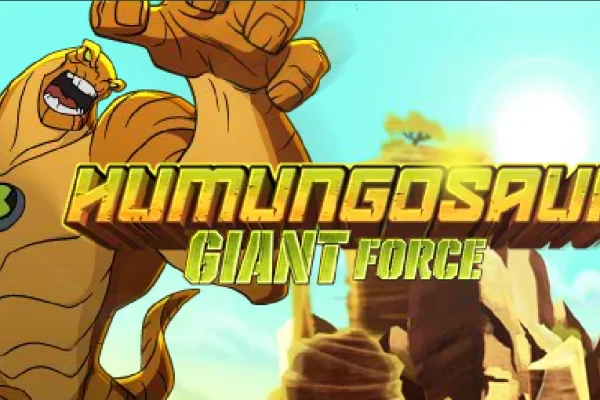
About Ben 10 Alien Force: Humungousaur Giant Force
Ben 10 Alien Force: Humungousaur Giant Force is a side-scrolling action game based on Ben 10: Alien Force. Ben transforms into Humungousaur to stop the DNAliens from creating a powerful Humungousaur of their own. Fight enemies, destroy obstacles, and advance across desert battlefields while protecting your health.
Gameplay and Objective
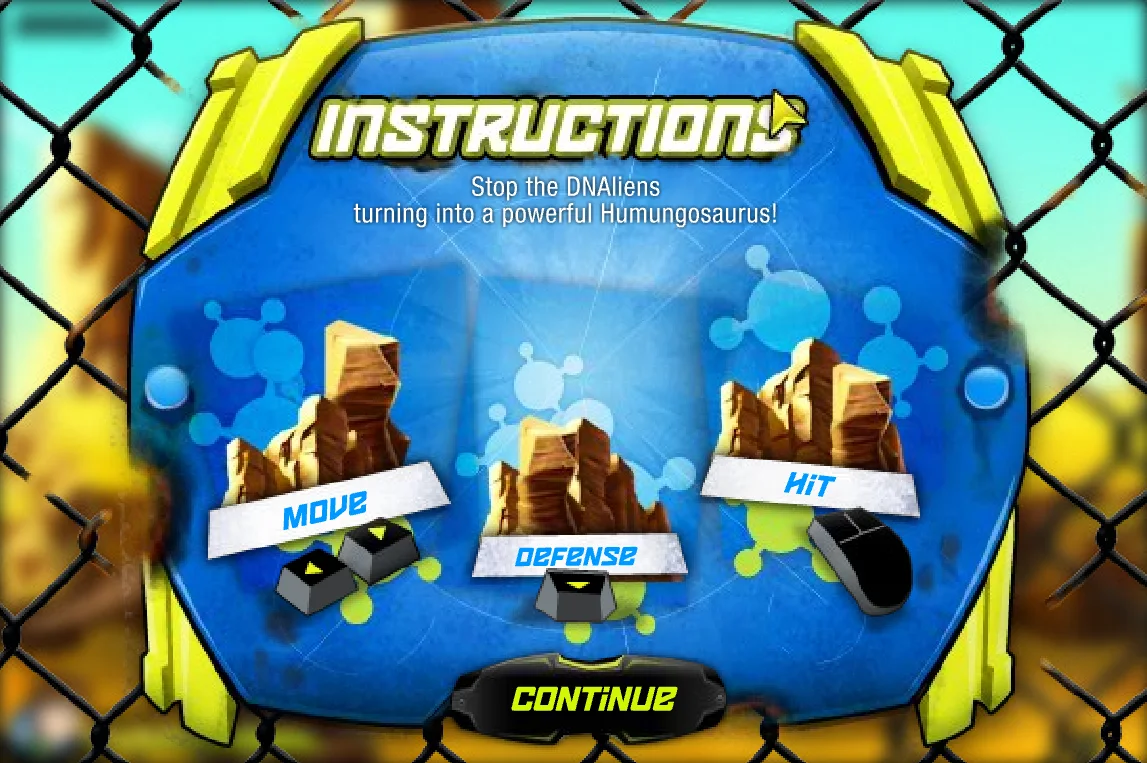
Control Humungousaur as he moves through a rocky desert filled with DNAliens, enemy vehicles, and barriers. Your objective is to defeat the attackers and clear the obstacles blocking your path. Move left or right to approach enemies, then use the mouse to strike your target.
The game displays your score at the top of the screen and a health indicator at the bottom. Avoid taking unnecessary hits as you progress through the battlefield.
Combat and Defense
Humungousaur uses his physical strength to fight DNAliens and destroy obstacles. Move into range, aim at an enemy or object with the mouse, and click to attack. Some enemies approach on foot, while others use vehicles.
Defense is just as important as attacking. Press the Down Arrow to block incoming attacks. Watch your opponents and defend when they prepare to strike rather than attacking continuously.
Enemies and Obstacles
The game features several types of threats, including DNAliens, vehicles, barriers, and flying enemies. You must deal with these obstacles to keep moving forward.
- DNAliens: Enemy fighters that attack Humungousaur during his mission.
- Enemy Vehicles: Vehicles used by opposing forces to threaten your progress.
- Barriers: Obstacles that must be destroyed or cleared to continue.
- Flying Enemies: Additional threats that appear above the battlefield.
Different situations require you to choose when to move, attack, or defend.
Tips for Playing
- Move toward your target: Use the Left and Right Arrow keys to position Humungousaur before attacking.
- Aim carefully: Point the mouse at enemies or destructible obstacles before clicking.
- Block incoming attacks: Press the Down Arrow when an enemy is about to strike.
- Clear the path: Watch for barriers and enemy vehicles that prevent you from advancing.
- Protect your health: Avoid unnecessary damage so you can survive later encounters.
- Watch your surroundings: Check for enemies approaching from different positions instead of focusing on a single target.
Keyboard Controls
- Left Arrow: Move Humungousaur left.
- Right Arrow: Move Humungousaur right.
- Down Arrow: Block incoming attacks.
Mouse Controls
- Move Mouse: Aim at an enemy or destructible obstacle.
- Left Click: Attack the selected target.
Move into position, attack enemies and barriers with the mouse, and use the Down Arrow to defend against incoming hits.