
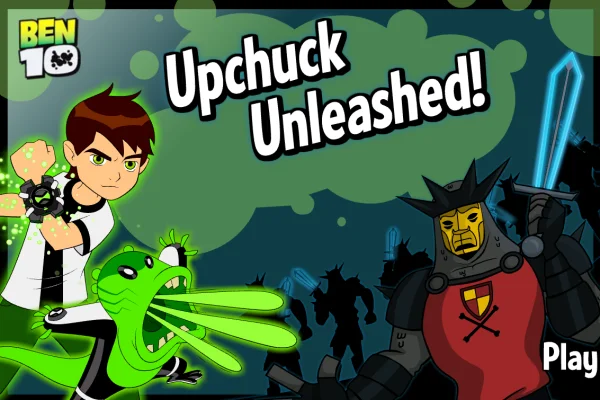
About Ben 10: Upchuck Unleashed!
Ben 10: Upchuck Unleashed! is a top-down action-puzzle game released by Cartoon Network in 2011. Ben transforms into Upchuck to battle the Forever Knights inside a series of mazes. Explore each area, swallow crates to produce energy ammunition, collect keys to unlock doors, and work your way toward the Forever King.
Gameplay and Objective
Move Upchuck through maze-like areas filled with enemies, crates, locked doors, and obstacles. Your objective is to find the keys needed to open passages and advance through the levels. The game eventually challenges you to find and defeat the Forever King.
Combat and exploration are closely connected. You need ammunition to fight enemies, but Upchuck must first eat objects to produce energy projectiles. The interface displays your score, remaining lives, Omnitrix energy, collected keys, and current level.
How to Eat Crates and Attack
Upchuck's main ability is swallowing objects and converting them into energy attacks. Instead of having unlimited ammunition, you must eat crates or other suitable objects to reload.
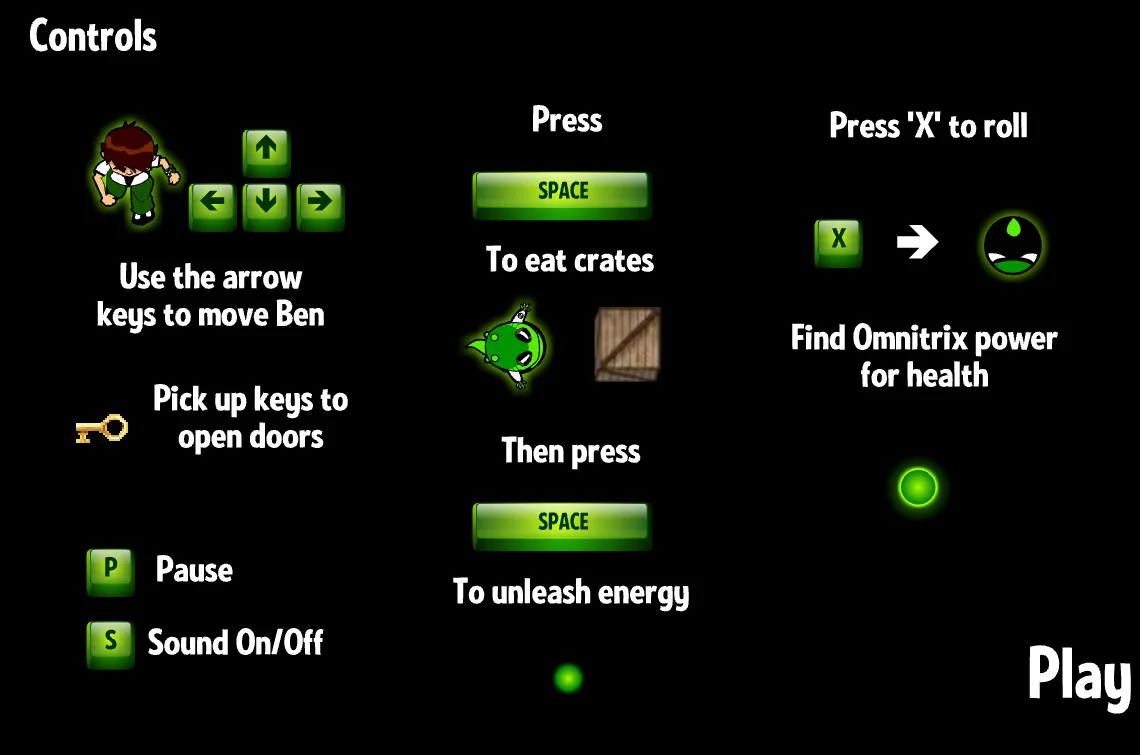
- Eat Objects: Approach a crate and press Spacebar when Upchuck has no ammunition.
- Fire Energy: Once Upchuck has swallowed an object, press Spacebar to launch an energy projectile.
- Reload: When your ammunition runs out, find another crate or edible object.
- Roll: Press X to roll, allowing Upchuck to move through the maze more quickly.
Keep an eye on your ammunition during battles. Running out of energy attacks near several enemies can leave you vulnerable until you find another object to swallow.
Keys, Doors, and Maze Exploration
Each area contains paths and obstacles that require exploration. Some doors cannot be opened until you collect the correct key. Search the maze carefully and remember the locations of locked passages.
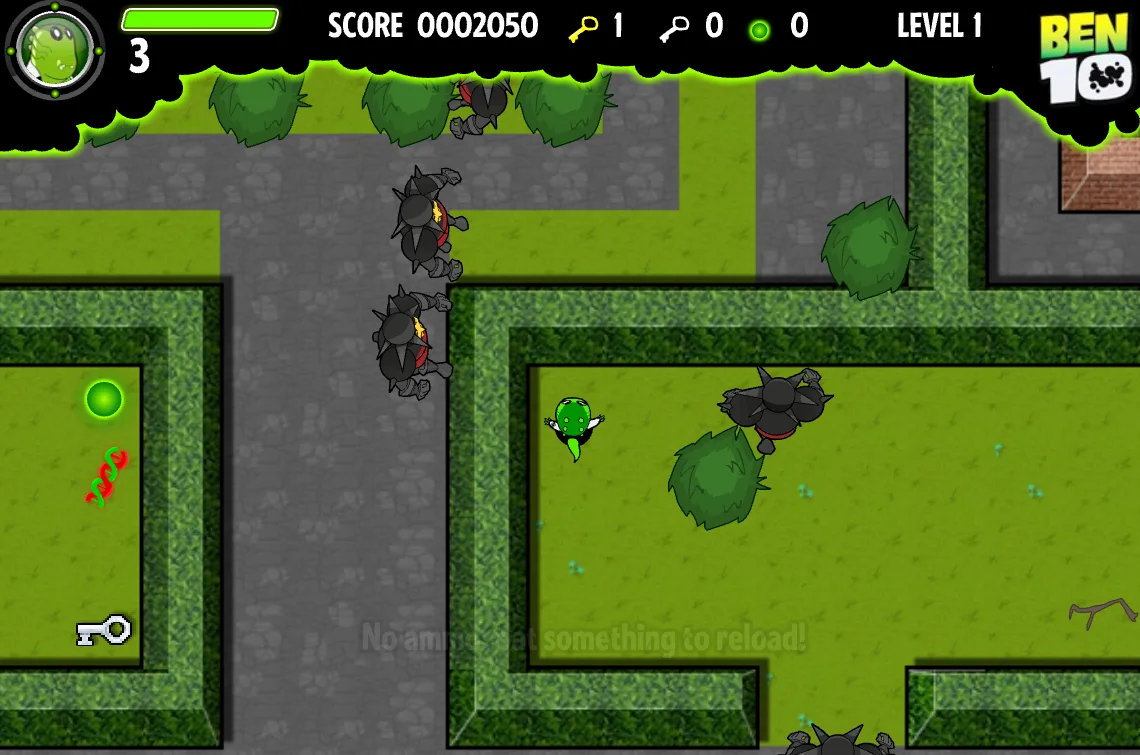
The interface tracks collected keys, helping you see which ones you have found. Once you obtain a required key, return to the corresponding door and continue toward the next area.
Enemies and Omnitrix Energy
The Forever Knights patrol the maze and attack Upchuck as he explores. Use energy projectiles to defeat enemies while avoiding their attacks. The game also includes a powerful final opponent, the Forever King.
Taking damage reduces your Omnitrix energy. Collect green Omnitrix power orbs to restore it. If the Omnitrix runs out of energy, Upchuck reverts to Ben's human form, leaving you without the alien's eating, shooting, and rolling abilities until you recover enough energy.
Tips for Playing
- Keep ammunition ready: Eat crates before approaching groups of Forever Knights.
- Search for keys: Explore different routes and remember locked doors that you may need to revisit.
- Roll when useful: Use Upchuck's rolling ability to move quickly through open passages.
- Watch your Omnitrix energy: Avoid taking unnecessary hits and collect green power orbs when available.
- Don't waste shots: Conserve your ammunition when enemies can be avoided safely.
- Recover after transforming back: If Upchuck reverts to Ben, prioritize finding Omnitrix energy instead of fighting enemies without alien powers.
- Prepare for the final battle: Make sure you have energy and ammunition before confronting the Forever King.
Keyboard Controls
- Arrow Keys: Move Ben or Upchuck through the maze.
- Spacebar: Eat crates when out of ammunition, or fire stored energy projectiles.
- X: Roll while controlling Upchuck.
- P: Pause the game.
- S: Turn sound on or off.